
Snapseed
By Google LLC
Directory Specifications
- Platform Requirements
- Varies with device
- Initial Download Size
- Varies with device
- Publisher Version
- Varies with device
- Official Developer
- Google LLC
- Google Play Installs
- 100M+
- Connectivity
- Internet Required
- Monetization
- Free (In-App Purchases)
- Game Zippy Directory Views
- 2 views
- Google Play Store Referrals
- 0 referrals
- Listing Last Updated
- Nov 15, 2026
Note: "Google Play Installs" represents estimated lifetime store installations reported by the publisher on Google Play. "Google Play Referrals" counts outbound clicks from Game Zippy to the official store listing.
Screenshots & Interface Preview

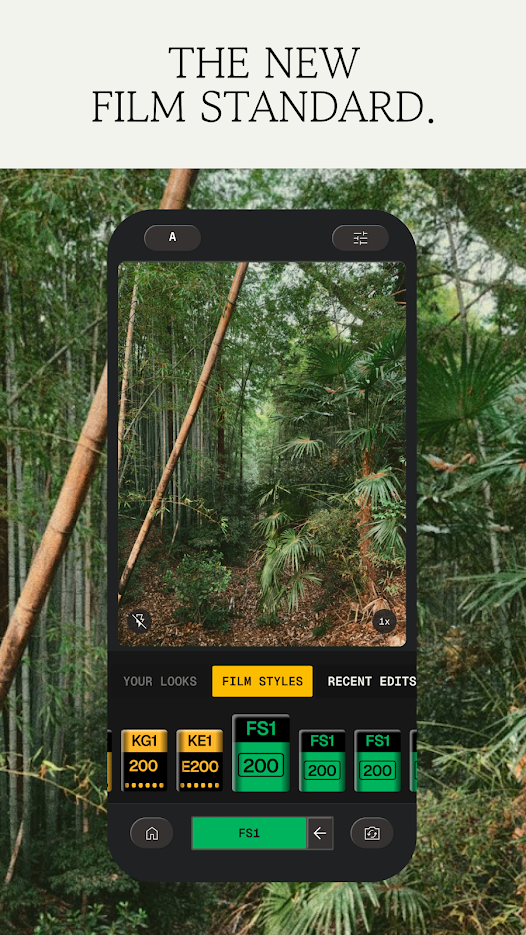
Snapseed is a complete and professional photo editor developed by Google. Pro-level tools, authentic film simulations, smart masking and more — all with no strings attached.
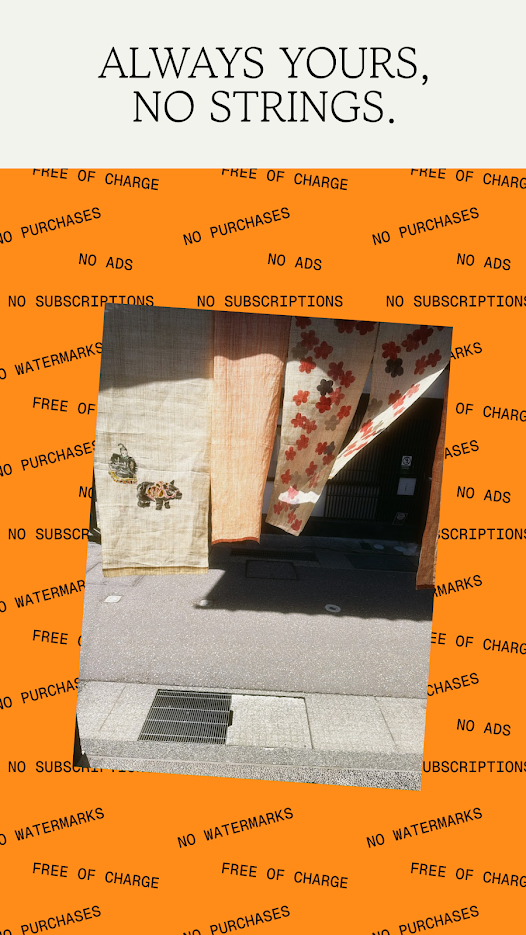
You get 30+ pro tools and filters with no subscriptions, purchases, ads or watermarks. Vintage styles offer realistic film filters, plus Halation, Bloom and Grain tools, while smart masking instantly isolates subjects or backgrounds with a single tap for fast, targeted edits.
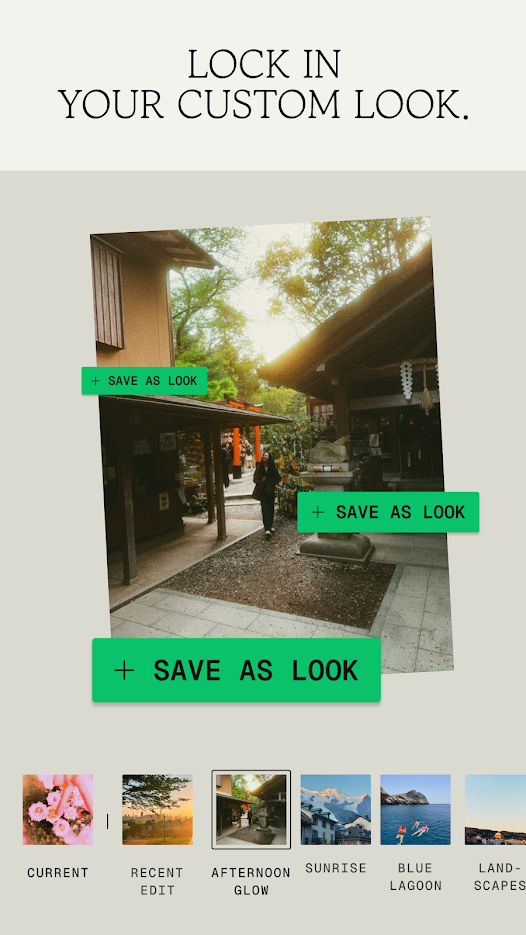
Batch editing applies your favourite looks to multiple photos at once, and the Snapseed Camera captures using custom styles or film looks, with real-time effects you can edit or reset later. Non-destructive editing means you can easily undo changes or revert to your original photo at any time.
Open and edit JPG and RAW files with precise control, explore featured edits from photographers in the Discover tab, and build your style library by importing .xmp presets, 3D LUTs, QR Looks or .zip packs.
Free to download and use, with no in-app purchases. It suits anyone who wants serious photo editing on their phone without paying for it.
Ready to try Snapseed on your Android device?
Free & secure installation directly from the Google Play Store.