Cast for Chromecast & TV Cast
By iKame Applications - Begamob Global
Verified Directory Specifications
- Platform
- Android Android 8.0+
- Official Developer
- iKame Applications - Begamob Global
- Google Play Installs
- 50M+
- Connectivity
- Internet Required
- Monetization
- Free (In-App Purchases)
- Game Zippy Directory Views
- 1 views
- Google Play Store Referrals
- 0 referrals
- Last Verified by Editor
- Nov 2, 2026
Note: "Google Play Installs" represents estimated lifetime store installations reported by the publisher on Google Play. "Google Play Referrals" counts outbound clicks from Game Zippy to the official store listing.
Screenshots & Interface Preview
Editorial Review & Analysis: Cast for Chromecast & TV Cast
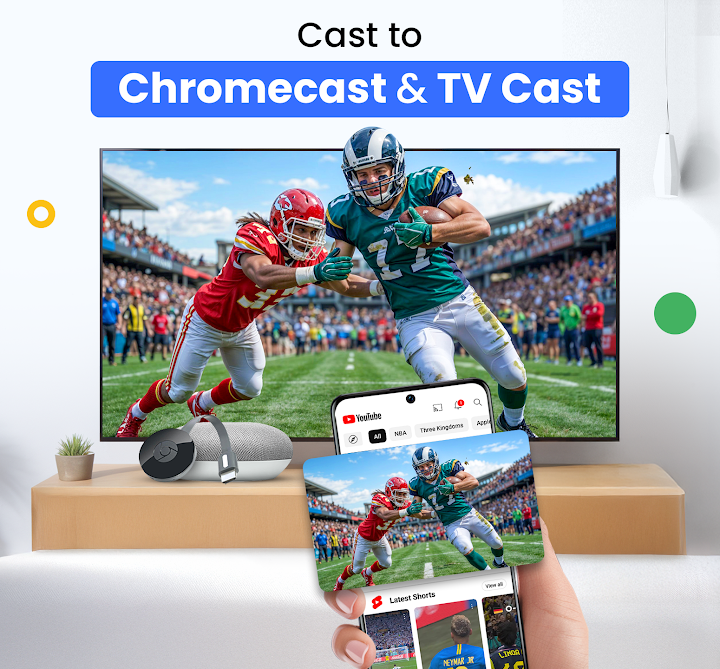
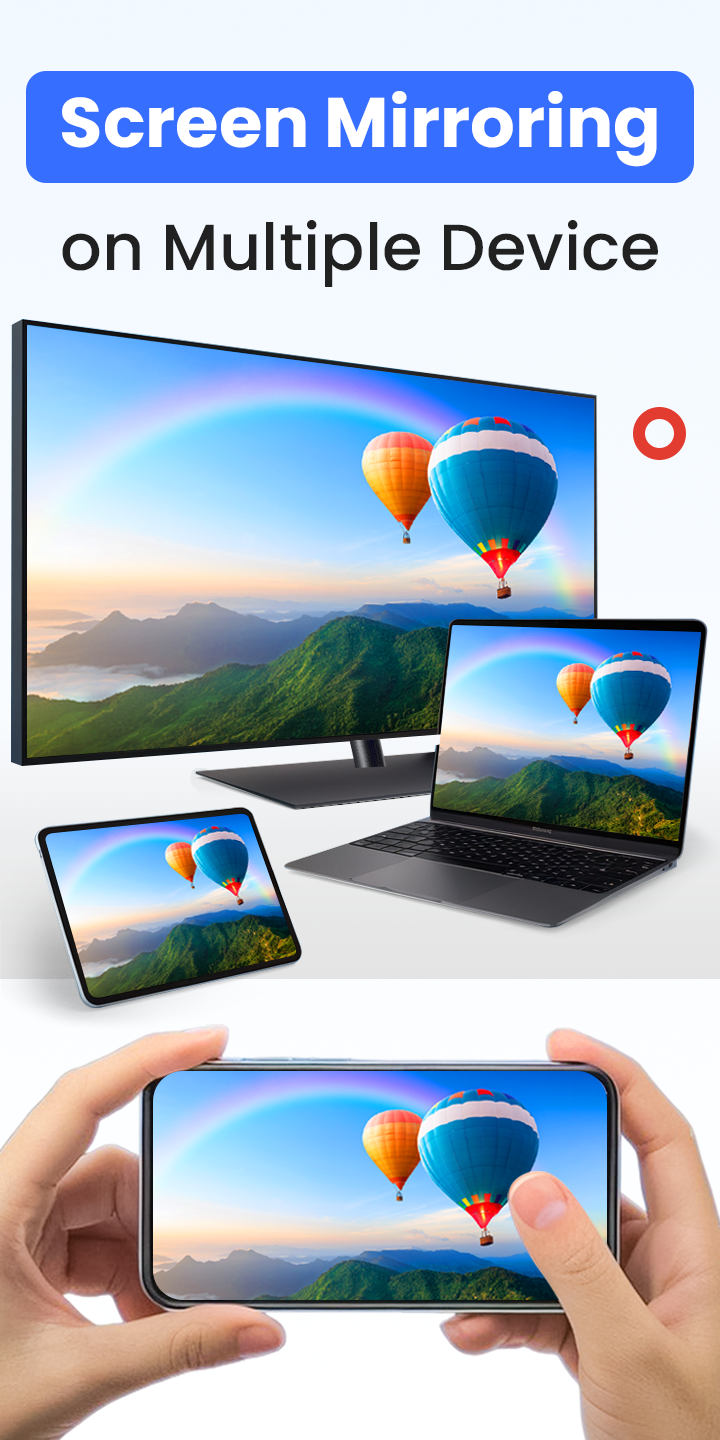
Stop huddling around a small phone screen! With Cast for Chromecast & TV Cast, you can instantly screen mirror your display, cast any video to your TV, and use your phone as a powerful Chromecast remote.
Experience seamless streaming and control without the need for messy cables. Your home entertainment just got a major upgrade.
✨ KEY FEATURES YOU'LL LOVE ✨
✅ Flawless HD Screen Mirroring:
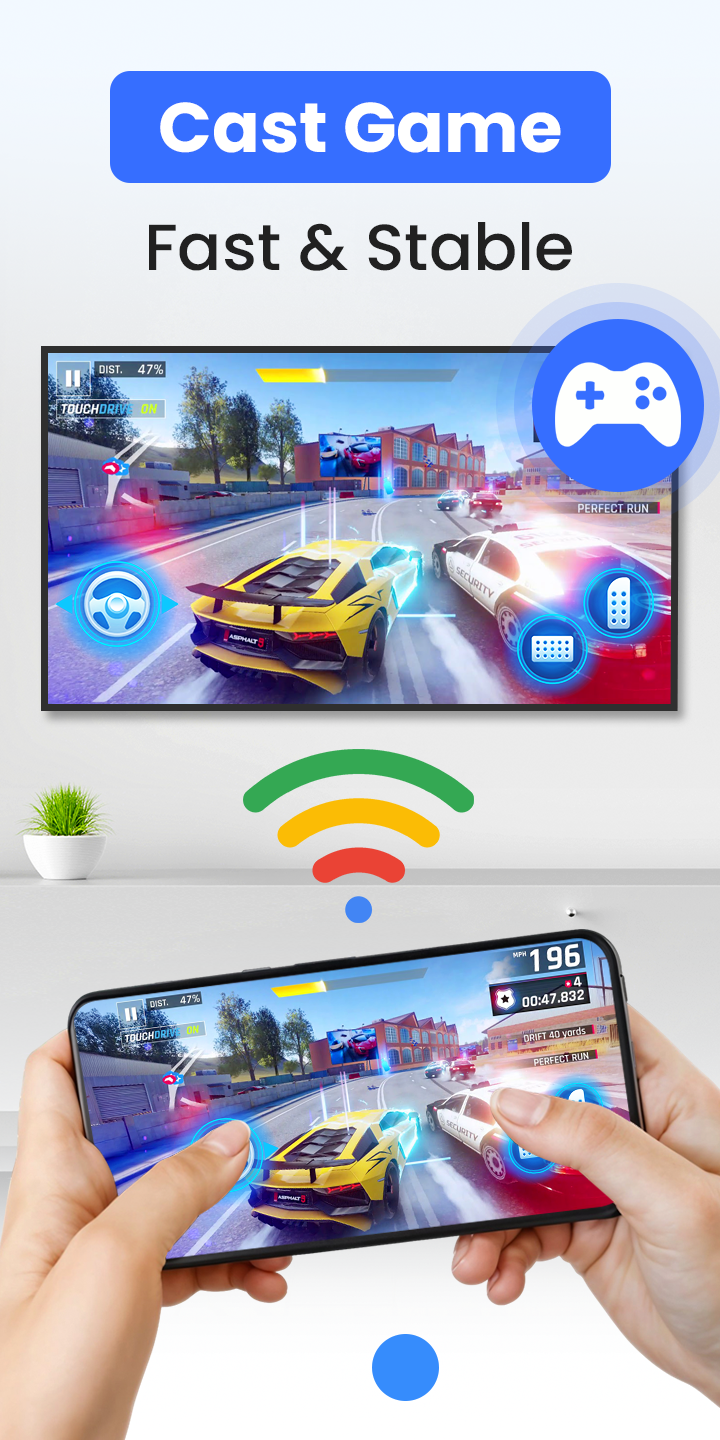
Share your phone's screen in real-time with stunning HD quality and near-zero latency. It's perfect for lag-free gaming, giving presentations, browsing photos, or sharing apps with the entire room.
✅ TV Cast - Cast Anything, Anywhere:
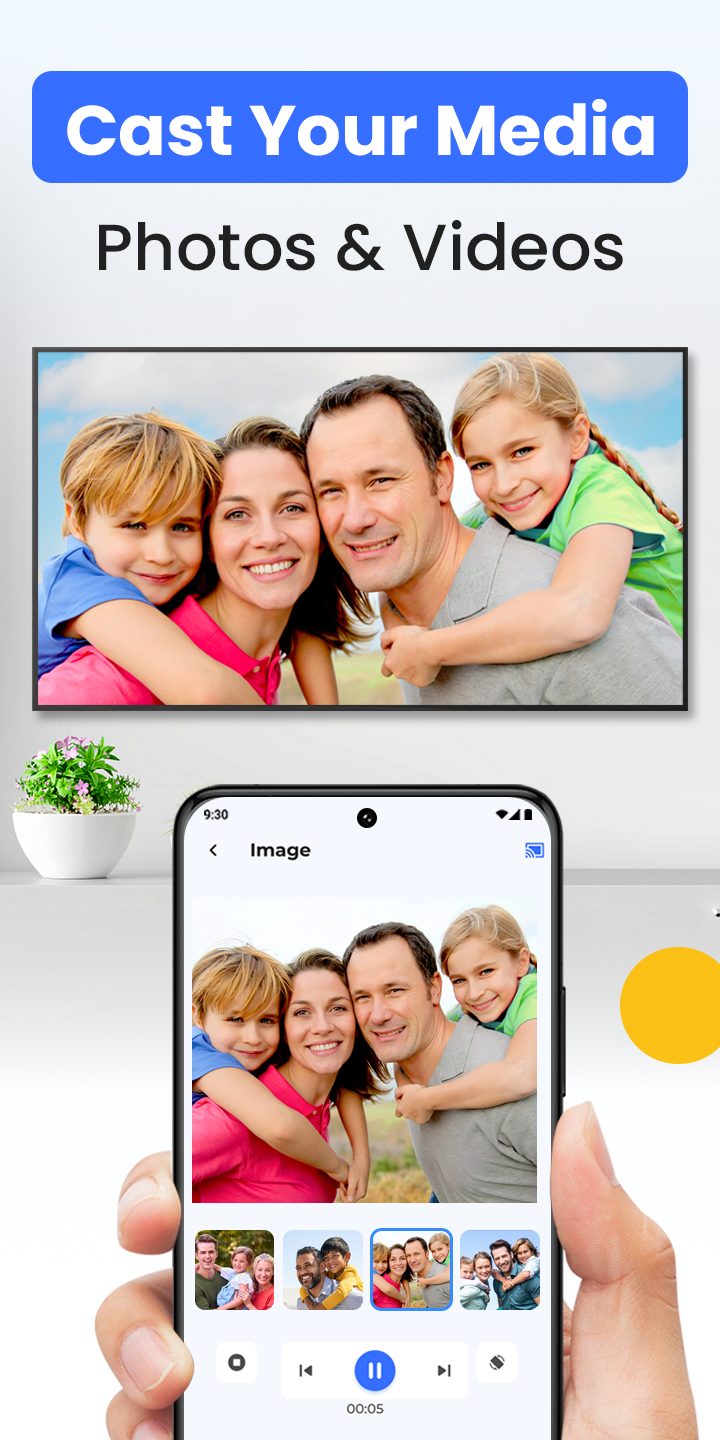
Stream local videos, photo slideshows, and music directly from your phone. Our built-in web browser lets you find and cast online movies and web videos from your favorite sites straight to your big screen.
✅ The Smart TV Remote You Need:
Lost your remote again? No problem. Your phone is now a powerful and intuitive remote control for your Chromecast and Smart TV. Easily play, pause, seek, adjust the volume, and navigate menus right from your fingertips.
✅ Universal Device Support:
Our app is designed for maximum compatibility. Connect effortlessly to:
- Google Chromecast, Chromecast Ultra & Google Cast-enabled devices
- Roku Streaming Sticks & Roku TVs
- Amazon Fire TV & Fire Stick
- Smart TVs: Samsung, LG, Sony, Vizio, TCL, Hisense, etc.
- Xbox One, Xbox 360
- Apple TV (via AirPlay)
- Other DLNA & UPnP receivers
🚀 HOW IT WORKS (3 EASY STEPS):
1. Ensure your phone and TV (or casting device) are connected to the same Wi-Fi network.
2. Open the app. It will automatically discover connectable devices nearby.
3. Select your device, tap to connect, and start to screen mirror or cast to tv!
🎯 The All-in-One Solution For:
Whether you're hosting a movie night, sharing vacation photos, streaming a live game, or presenting in a meeting, our tv cast for chromecast and chromecast screen mirroring app is the only tool you need.
⚠️ Disclaimer: This application is not an official product of Google or any other mentioned trademark. It is developed by an independent publisher.
👉 Download Cast for Chromecast & TV Cast now to unlock the full potential of your Smart TV and streaming devices!
Ready to try Cast for Chromecast & TV Cast on your Android device?
Free & secure installation directly from the Google Play Store.