Microsoft Word: Edit Documents
By Microsoft Corporation
Directory Specifications
- Platform Requirements
- Varies with device
- Initial Download Size
- Varies with device
- Publisher Version
- Varies with device
- Official Developer
- Microsoft Corporation
- Google Play Installs
- 1B+
- Connectivity
- Internet Required
- Monetization
- Free (In-App Purchases)
- Game Zippy Directory Views
- 2 views
- Google Play Store Referrals
- 0 referrals
- Listing Last Updated
- Nov 15, 2026
Note: "Google Play Installs" represents estimated lifetime store installations reported by the publisher on Google Play. "Google Play Referrals" counts outbound clicks from Game Zippy to the official store listing.
Screenshots & Interface Preview
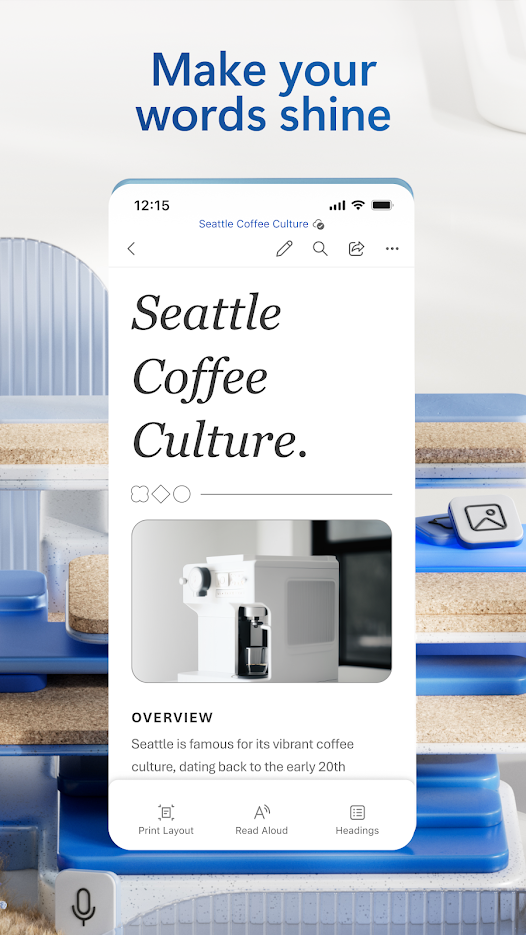

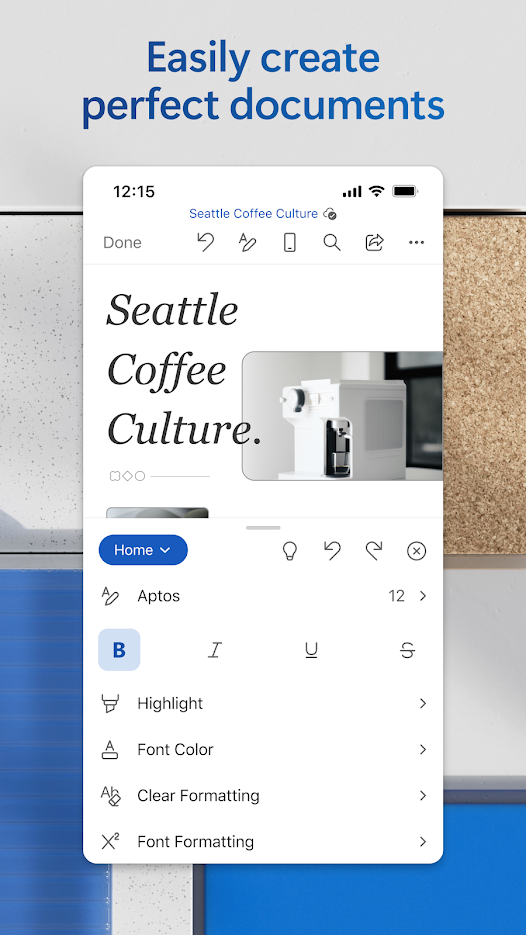
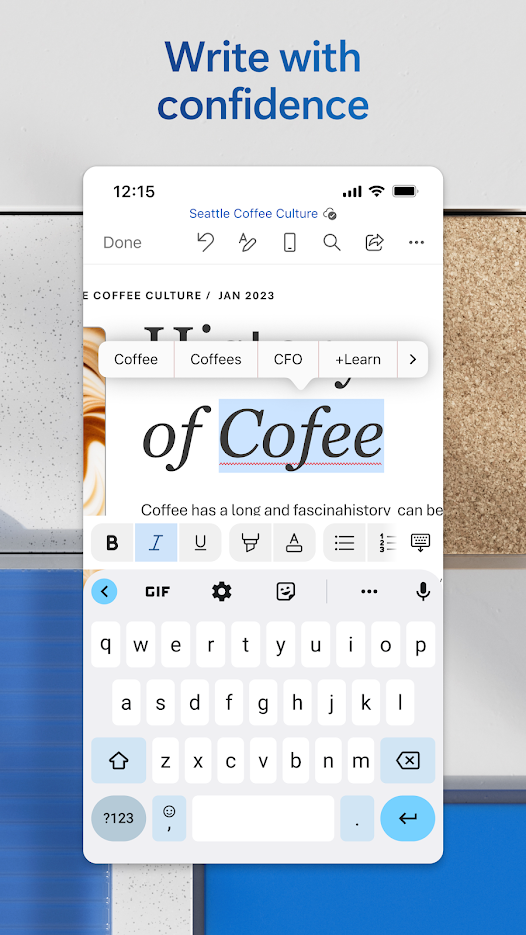
Create, edit, read and share documents on your mobile device with the same power and familiarity you rely on from your PC, with Microsoft Word for Android.
Write CVs, letters, assignments, notes or creative work on the go. Choose from modern templates for letters, CVs, scripts, proposals, invoices and more to jump start any project, and use rich formatting and layout tools to express your ideas clearly.
Read, write and edit anywhere: open attachments and view documents with the built-in reader, edit long documents with familiar tools, and convert PDFs to Word for easy editing. Your documents keep looking great on any device.
Collaborate and share with ease. Comment alongside text to share feedback, work with others in real time, track changes to text and layout, and use version history to view or restore earlier drafts.
Whether you are a student, blogger, journalist or project manager, Word moves with you. Free to download, with optional in-app purchases for Microsoft 365 features.
Ready to try Microsoft Word: Edit Documents on your Android device?
Free & secure installation directly from the Google Play Store.