Acrobat Reader: PDF Converter
By Adobe
Directory Specifications
- Platform Requirements
- Varies with device
- Initial Download Size
- Varies with device
- Publisher Version
- Varies with device
- Official Developer
- Adobe
- Google Play Installs
- 500M+
- Connectivity
- Internet Required
- Monetization
- Free (In-App Purchases)
- Game Zippy Directory Views
- 2 views
- Google Play Store Referrals
- 0 referrals
- Listing Last Updated
- Nov 15, 2026
Note: "Google Play Installs" represents estimated lifetime store installations reported by the publisher on Google Play. "Google Play Referrals" counts outbound clicks from Game Zippy to the official store listing.
Screenshots & Interface Preview
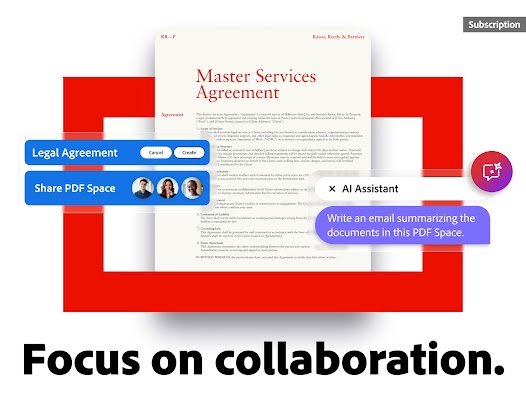
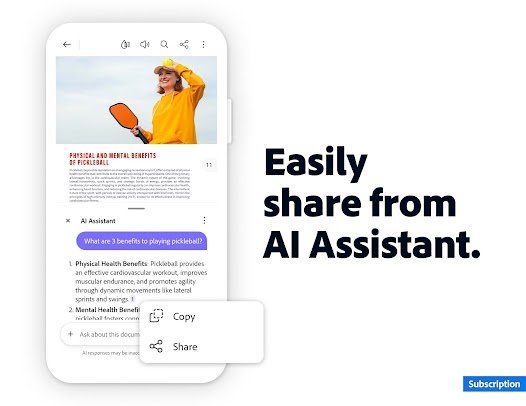

Adobe Acrobat Reader is the free PDF reader for opening, reading, filling in, signing and commenting on PDFs on your Android phone or tablet. It is the world's most trusted PDF reader, PDF editor and PDF maker, with more than 635 million installs.
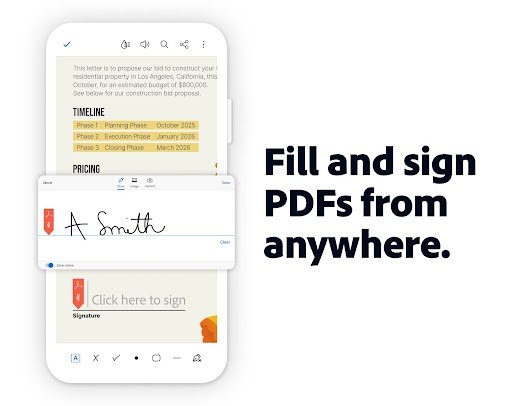
You do not need a subscription to read, fill in or sign PDFs. Open and read any PDF, and use Liquid Mode to fit the text to your screen. Highlight text, add comments and sticky notes, fill in PDF forms and sign them with your finger using Fill & Sign, then share PDFs straight from the app.
Open files and PDFs from your phone, email, Google Drive, OneDrive or Dropbox, store and manage your files, and star important documents for quick access. You can even open scans from the free Adobe Scan app to fill in, sign and share.
Need to do more? Acrobat Premium, starting with a 7-day free trial, lets you edit text and images, create PDFs from photos and files, convert PDFs to Word, Excel or PowerPoint, combine PDFs into one file and reorder pages.
Free to download, with optional in-app purchases for Premium features.
Ready to try Acrobat Reader: PDF Converter on your Android device?
Free & secure installation directly from the Google Play Store.