GPS Photo: With Location & Map
By Galaxy studio apps
Directory Specifications
- Platform Requirements
- Varies with device
- Initial Download Size
- Varies with device
- Publisher Version
- Varies with device
- Official Developer
- Galaxy studio apps
- Google Play Installs
- 10M+
- Connectivity
- Internet Required
- Monetization
- Free (In-App Purchases)
- Game Zippy Directory Views
- 1 views
- Google Play Store Referrals
- 0 referrals
- Listing Last Updated
- Nov 6, 2026
Note: "Google Play Installs" represents estimated lifetime store installations reported by the publisher on Google Play. "Google Play Referrals" counts outbound clicks from Game Zippy to the official store listing.
Screenshots & Interface Preview
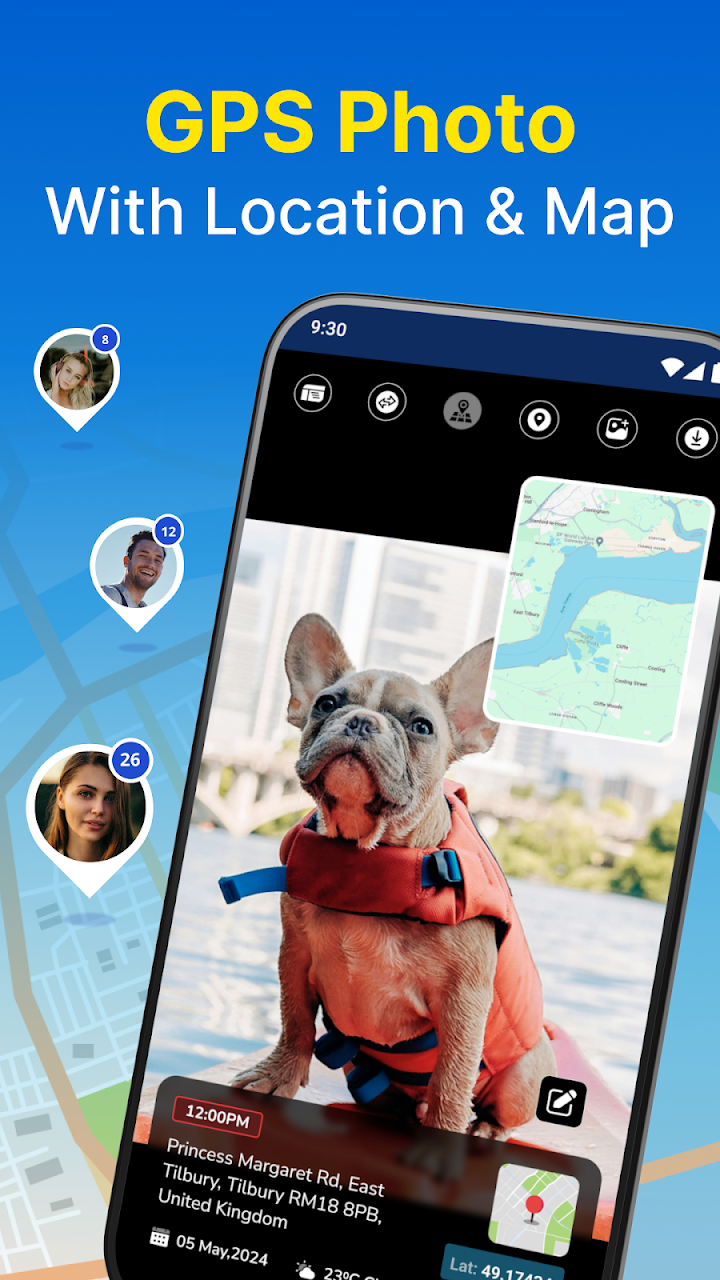
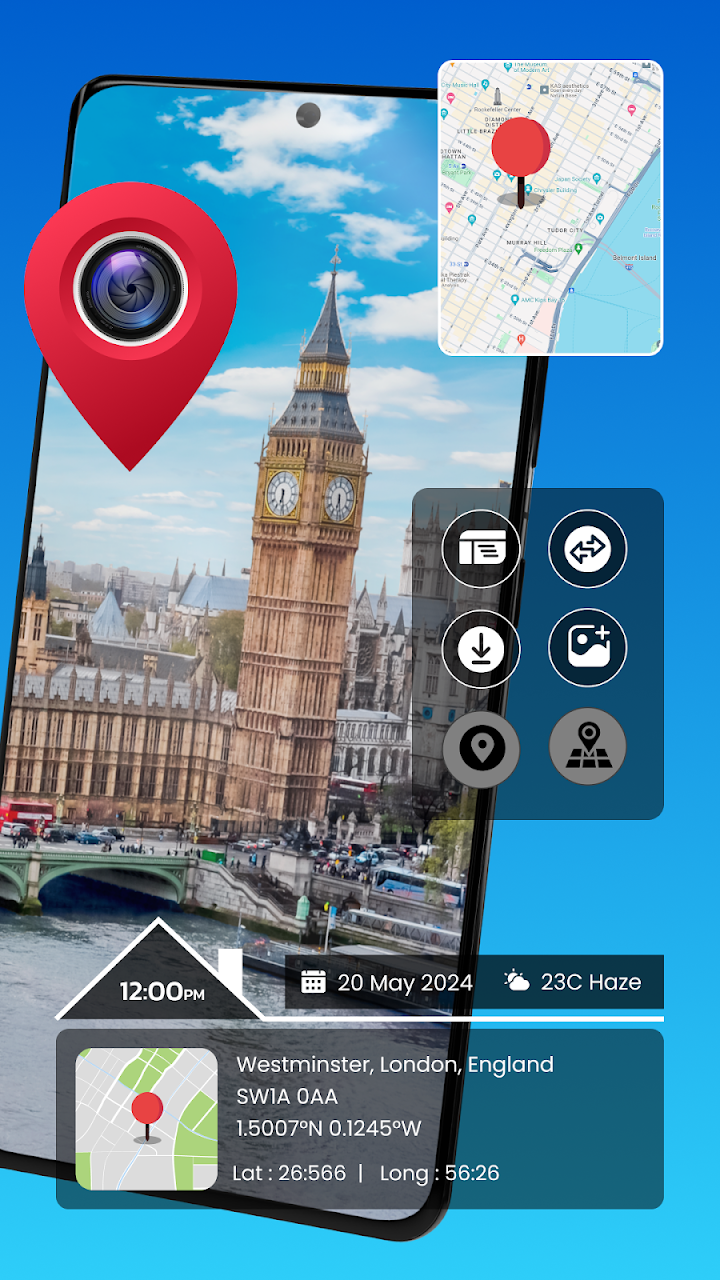
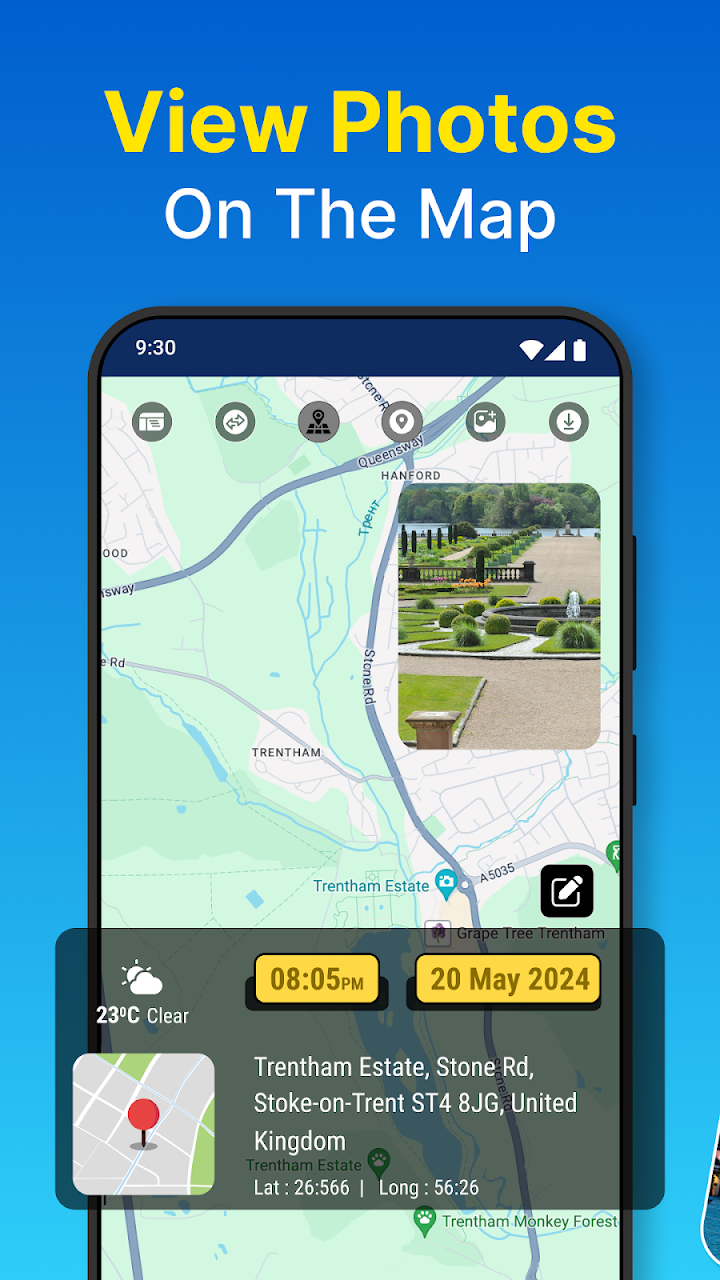
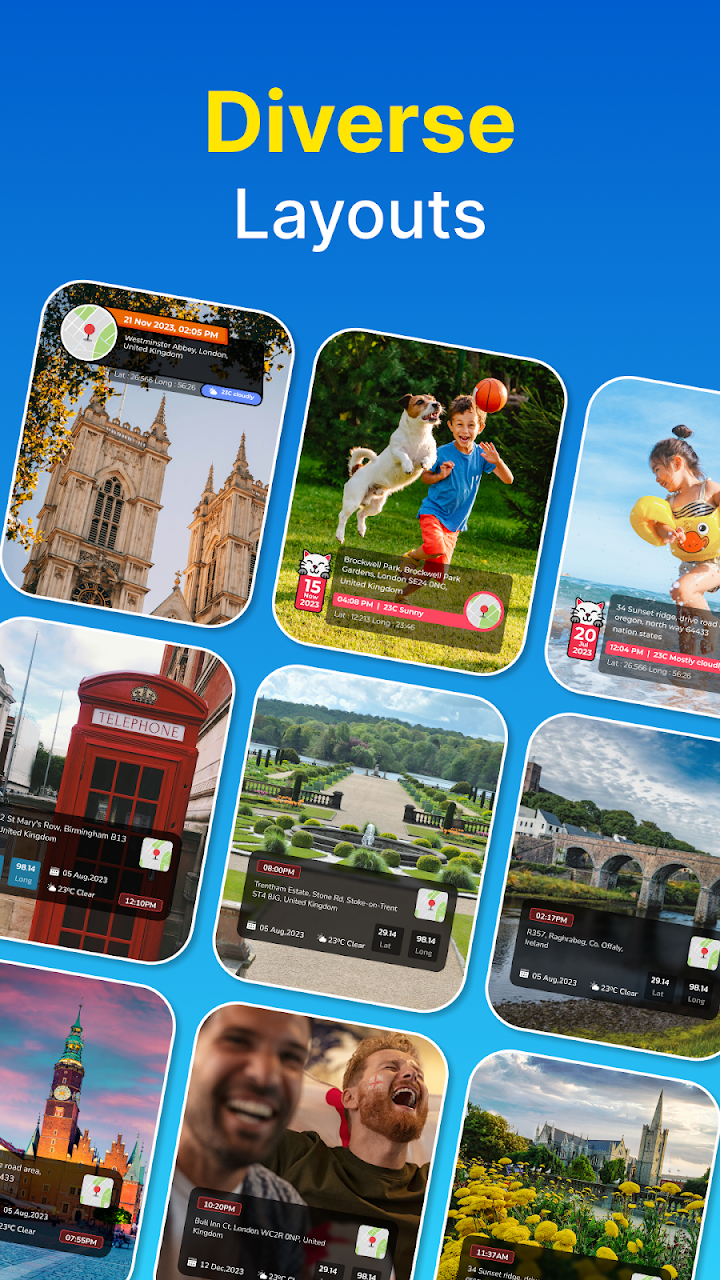
GPS Camera Photo Location - Your Ultimate Geotagging Tool! Capture memories with precision navigation and relive them with exact details using the powerful features of the GPS Camera Photo Location app. This Photo GPS Camera With Time Stamp app is designed to enhance your photos with detailed navigation information and much more. Say goodbye to ordinary images and elevate your memories with GPS Map Camera Location.
Experience the future of photo organization and geotagging with the GPS Photo Location: Timestamp Camera, the perfect Photo GPS Camera With Time Stamp app for adding precise details to your images.
📄 Photo GPS Camera With Time Stamp With Time Stamp Key Features: 📄
📷 Advanced GPS Camera Photo Location: Capture photos with details;
🗺️ Map View: Organize and browse images by where you took them;
📸 Real-Time Capture: Add timestamps and geotags instantly;
📅 Album Organizer: Sort photos by date and place;
🖼️ Date Stamper: Geotag Photos Custom Layouts: Enhance photos with travel-themed elements.
Capture, Geotag, and Relive With GPS Photo Location: Timestamp Camera!Download the GPS Photo Location: Timestamp Camera now and start capturing your world with detailed place and time information. Organize your memories, create beautiful collages, and share your journey with the Date Stamper: Geotag Photos.
📷Advanced Camera Features Of Date Stamper: Geotag Photos:
Capture images with the GPS Camera Photo Location app, automatically embedding precise details such as latitude, longitude, and weather conditions. Enhance your photos with GPS Photo Location: Timestamp Camera's customized layouts display map views and addresses for every shot.
🖼️Awesome Photo GPS Camera With Time Stamp With Photo Grid:
Create stunning collages with a variety of grid designs. The GPS Map Camera Location feature allows you to draw routes and add travel icons, making your photo collages more engaging and detailed.
🌆GPS Camera Photo Location With Gallery Integration:
Import images from your gallery; the app automatically retrieves them if they contain location data. Add or edit details manually, ensuring every photo is geotagged with a map view and precise address using the GPS Photo Location: Timestamp Camera.
🗺️Photo GPS Camera With Time Stamp: Interactive Map View:
Thanks to the GPS Camera Photo Location app, you can browse all your photos on an interactive map. View images by place and explore your memories geographically.
Enhance Your Photos with GPS Precision!Discover the power of geotagging with the GPS Camera Photo Location app. Whether snapping a quick photo or organizing your entire gallery, this GPS Map Camera Location app ensures every image tells a complete story of where and when it was captured. Download now and bring your memories to life with the GPS Map Camera Location feature set!
Permissions:
1] 📷 Camera: To capture images with accurate details.
2] 💾 Storage: To access and manage your photo gallery.
3] 🌍 Location: To retrieve and display latitude, longitude, and current place on a map.
Ready to try GPS Photo: With Location & Map on your Android device?
Free & secure installation directly from the Google Play Store.