

Opera: Private Web Browser
By Opera
Directory Specifications
- Platform Requirements
- Varies with device
- Initial Download Size
- Varies with device
- Publisher Version
- Varies with device
- Official Developer
- Opera
- Google Play Installs
- 500M+
- Connectivity
- Internet Required
- Monetization
- Free (In-App Purchases)
- Game Zippy Directory Views
- 2 views
- Google Play Store Referrals
- 0 referrals
- Listing Last Updated
- Nov 15, 2026
Note: "Google Play Installs" represents estimated lifetime store installations reported by the publisher on Google Play. "Google Play Referrals" counts outbound clicks from Game Zippy to the official store listing.
Screenshots & Interface Preview
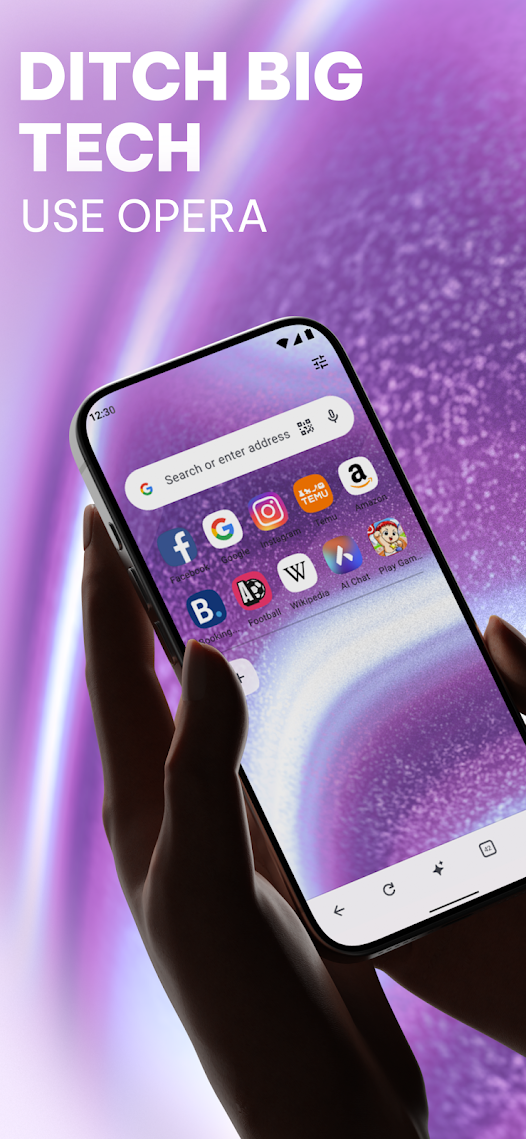
Ditch the default and switch to a browser that works as hard as you do. Opera combines high-performance browsing with a built-in free VPN, an advanced Ad Blocker and a cutting-edge AI assistant — a cleaner, faster and more private web, with no extensions required.
Smart browsing with AI is built in. Chat with the native assistant to get instant answers, summarise long articles or brainstorm ideas, and use the built-in AI Image Generator to turn your words into visuals in seconds — custom wallpapers, unique social posts or images for work, all without leaving your browser.
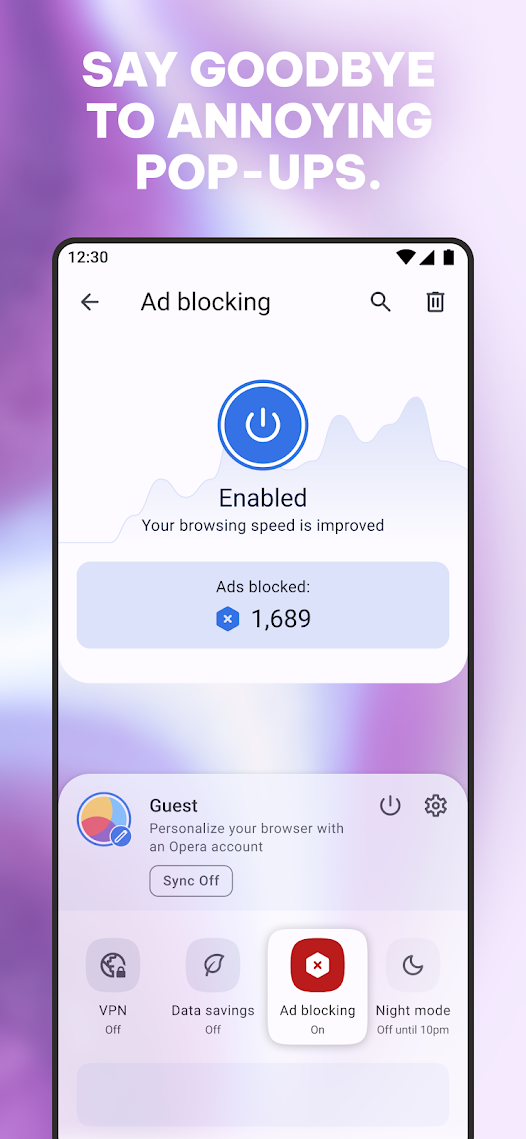
Opera's built-in Ad Blocker ensures pages load faster and your battery lasts longer, with fewer interruptions, fewer video ads and blocked intrusive pop-ups. You can also manage cookie and privacy dialogs directly in Settings.
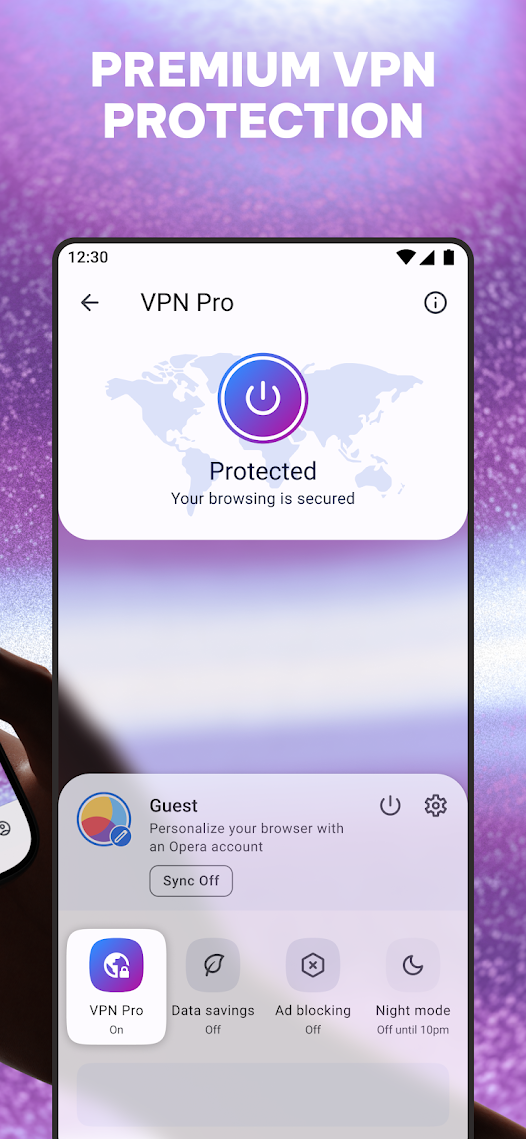
The built-in free VPN adds privacy on the go, while live scores and sports alerts keep you updated, the smart download manager handles your files, and data savings mode stretches your mobile data. Seamless Sync and Flow connect your browsing across devices.
Free to download and use.
Ready to try Opera: Private Web Browser on your Android device?
Free & secure installation directly from the Google Play Store.